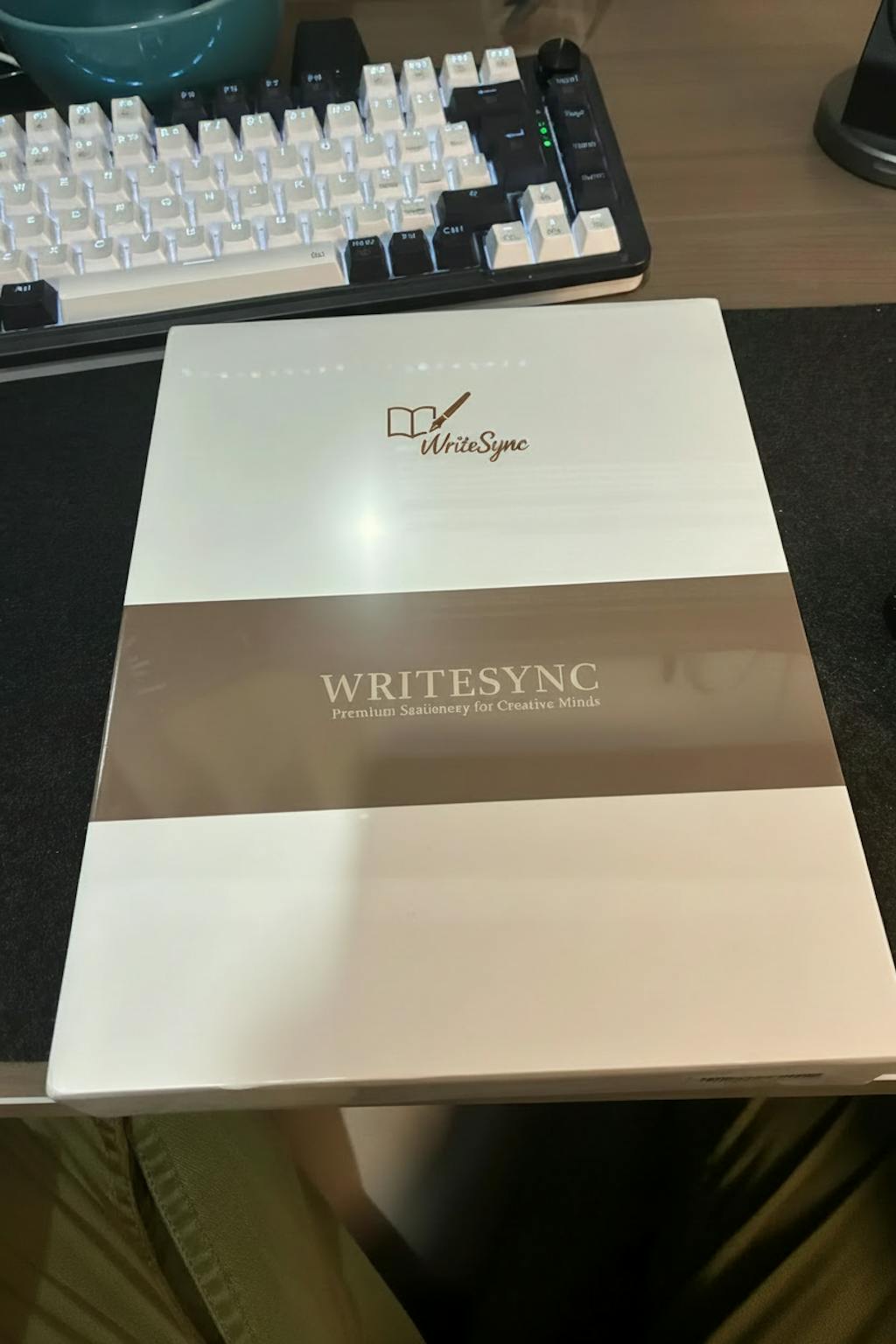
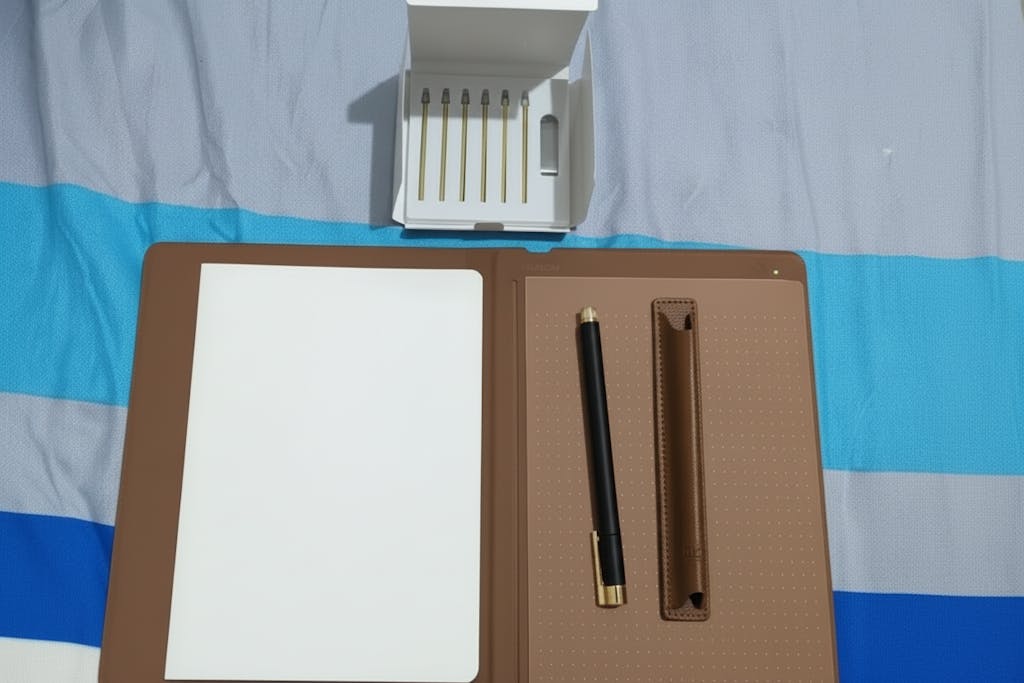
WriteSync Pen Gen 3.0
With 8192 levels of pressure sensitivity and ±60° tilt function to help you modify your creation.


Couldn't load pickup availability
📦 Fast & Free Shipping
🔒 SSL Secure Checkout
⏱️ 90-Day Money-Back Guarantee
Order Processing Time:
1-3 business days (demand is so high right now, it might take slightly longer)
Shipping Time (excludes processing time):
US/CA/UK: 5-10 business days
International: 7-20 business days


Experience uninterrupted creativity with a battery-free pen that provides a natural writing feel without the hassle of charging or replacing batteries.
Perfect for note-taking, digital art, and meetings, this tablet adapts to various applications, making it ideal for students, professionals, and artists alike.
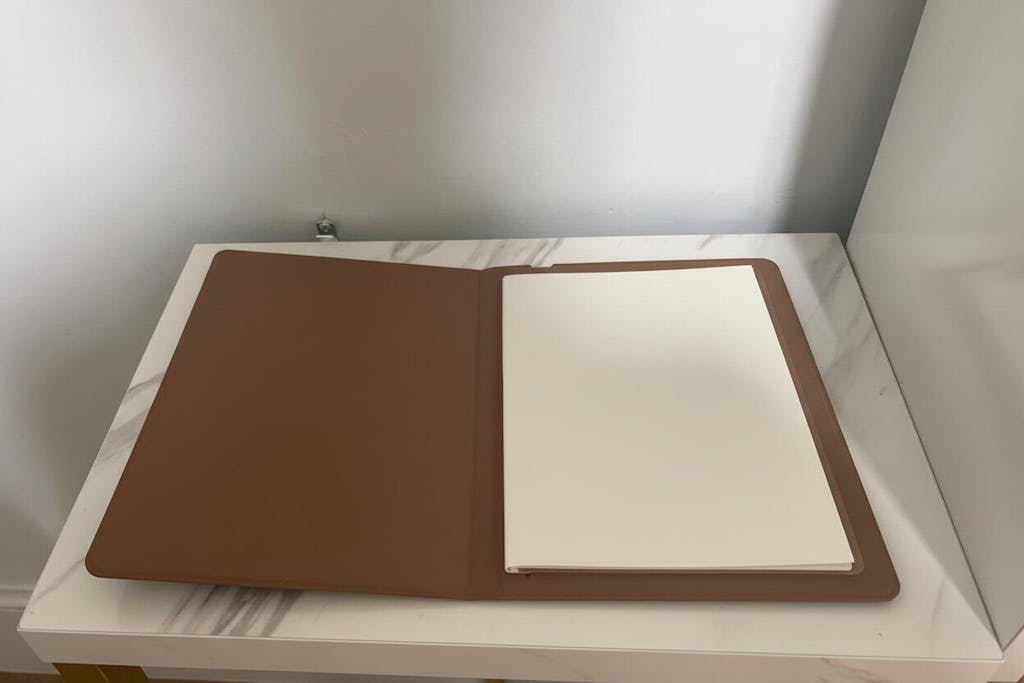
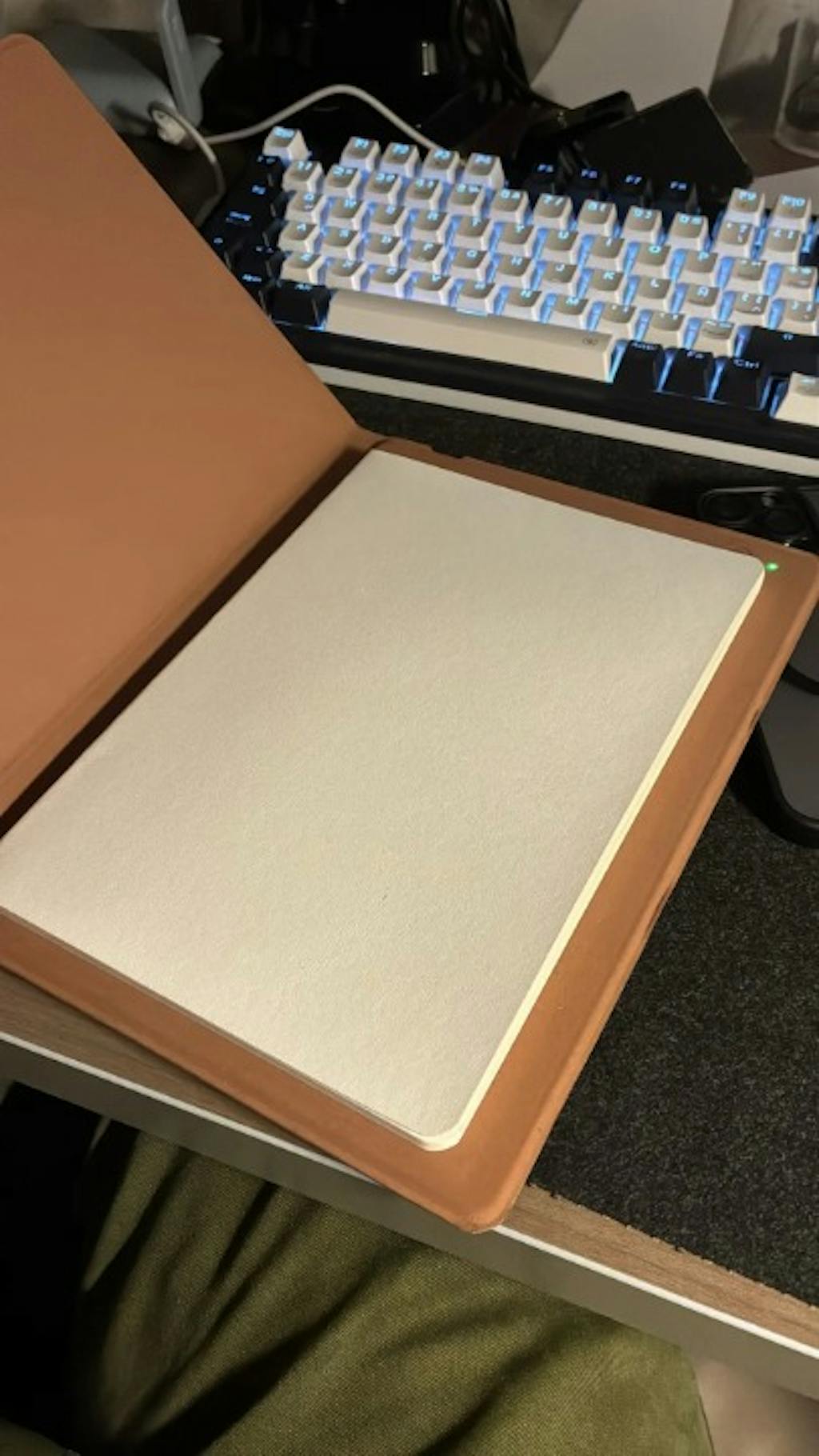
The refillable A5 notepad allows for sustainability and cost-effectiveness, enabling users to continue their work seamlessly without the need for constant replacements.

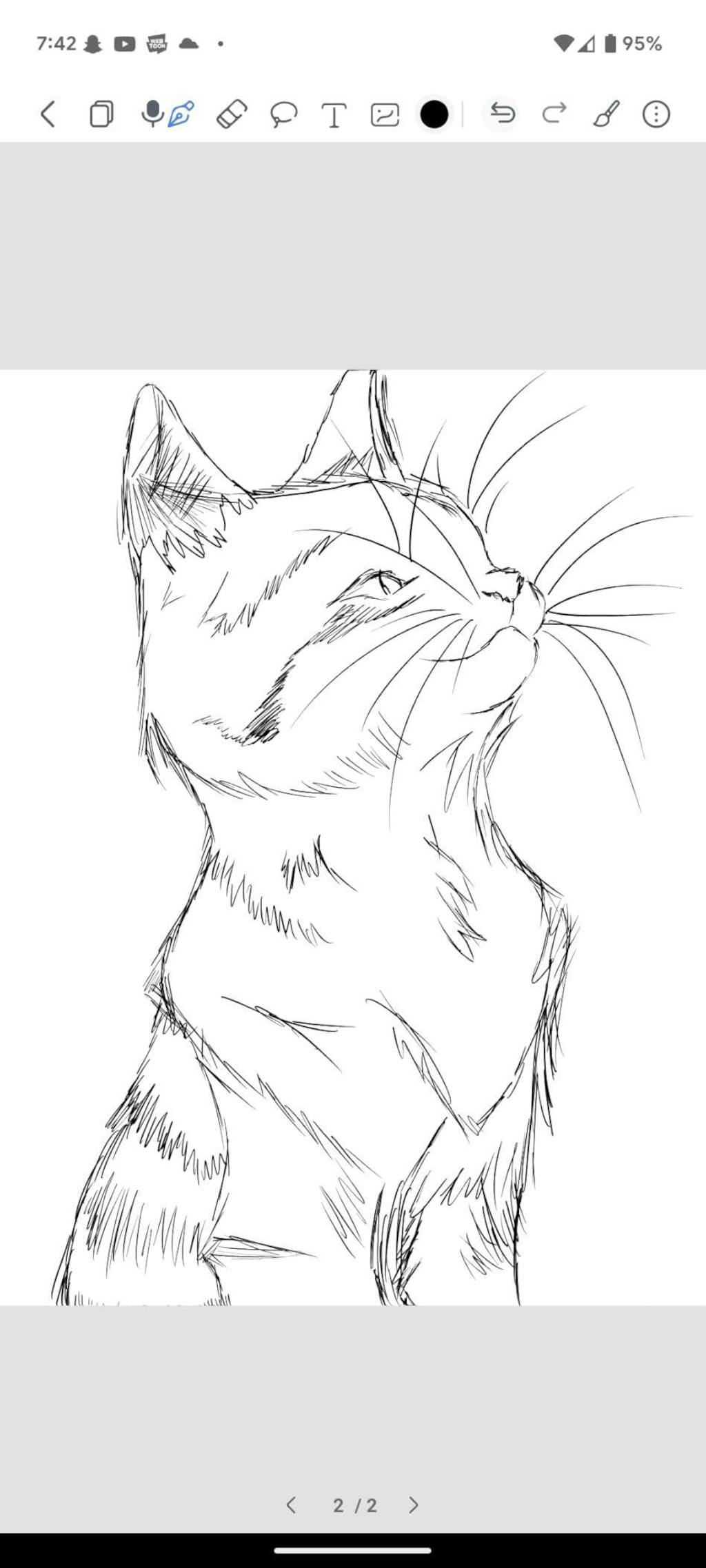
Everything you sketch on the paper can be instantly synced to your phone as a digital copy.

SketchBook Pro supports the recording of strokes when drawing or taking notes. The replay feature helps you recall the steps in creating artwork or solving a problem.

SketchBook Pro supports offline storage of up to 50 pages. Focus and sketch without needing to keep your phone on. Once you're done, simply reconnect and all your work appears instantly on your mobile device.
Click each icon below to see all
Create beautiful strokes with our advanced brush tool.
Precisely erase any part of your drawing.
Select and manipulate specific areas of your artwork.
Import and integrate photos into your designs.
Choose from millions of colors for your artwork.
Easily transform your sketchbook to a professional drawing tablet


Ballpoint Pen for long-lasting sketching and writing, and Dedicated Digital Pen for professional drawing tablet use.


With 8192 levels of pressure sensitivity and ±60° tilt function to help you modify your creation.

Enjoy the tactile feel of drawing on real paper with our redesigned pen. Unlike other digital pens, it feels just like a traditional pen, offering a superior and authentic drawing experience.


We recommend charging it when you first receive it if you plan to connect it to your device via Bluetooth.
No. The WriteSync Pen Gen 3.0 doesn't have a battery and therefore no charging is needed!
Absolutely! You can find the app on both the App Store and Google Play. Detailed instructions for downloading the app are included in our manual.
Our SketchBook Pro features standard A5 size pages. And yes, it works with ANY paper! When you run out, simply replace them by inserting any A5 notebook or sketchbook under 10mm thick, allowing you to choose your favorite paper texture.
For optimal performance, we recommend our extra SKETCHBOOK Paper [50 pages]. Designed with a cover thickness that effortlessly fits into the SKETCHBOOK cover, our smooth paper texture ensures the best writing and sketching experience.
The ballpoint refill can be used with a length of about 400m.
Yes, the drawing tablet mode is compatible with a wide range of drawing apps. Whether you use Adobe Photoshop, Corel Painter, Rebelle, or any other popular digital art software, the drawing tablet mode will work seamlessly.
To clarify, It functions as a standard drawing tablet, allowing you to use your preferred drawing app of choice with the tablet's pressure-sensitive input and other drawing-centric features. The drawing tablet mode is designed to be versatile and work with the full spectrum of digital art and design applications.
No, the SketchBook Pro supports offline storage of up to 50 pages of notes. You don’t need to connect the phone or tablet all the time. The offline contents can be instantly synced to your mobile device once it is connected again.
No! Our SketchBook Pro detects and sends signals to your phone instantly, ensuring no delays.
Order Processing Time:
1-3 business days (demand is so high right now, it might take slightly longer)
Shipping Time (excludes processing time):
US/CA/UK: 5-10 business days
International: 7-20 business days